

Chat threads organize your conversations with AI agents. Each thread maintains its own context and message history, letting you manage multiple topics and return to previous conversations at any time.Documentation Index
Fetch the complete documentation index at: https://docs.jitera.ai/llms.txt
Use this file to discover all available pages before exploring further.
Features
- A new thread is automatically created when you send your first message
- Access past conversations from the “Chats” section in the sidebar
- View complete conversation history with user messages and AI responses
- See tool execution results within threads
- Thread titles are auto-generated from conversation content
- Copy AI responses to clipboard with one click
- Add AI responses directly to project documents
- Long conversations are automatically compacted to keep the thread responsive
How to Use
-
View Your Threads
All threads appear in the sidebar under the “Chats” section, sorted by most recent.
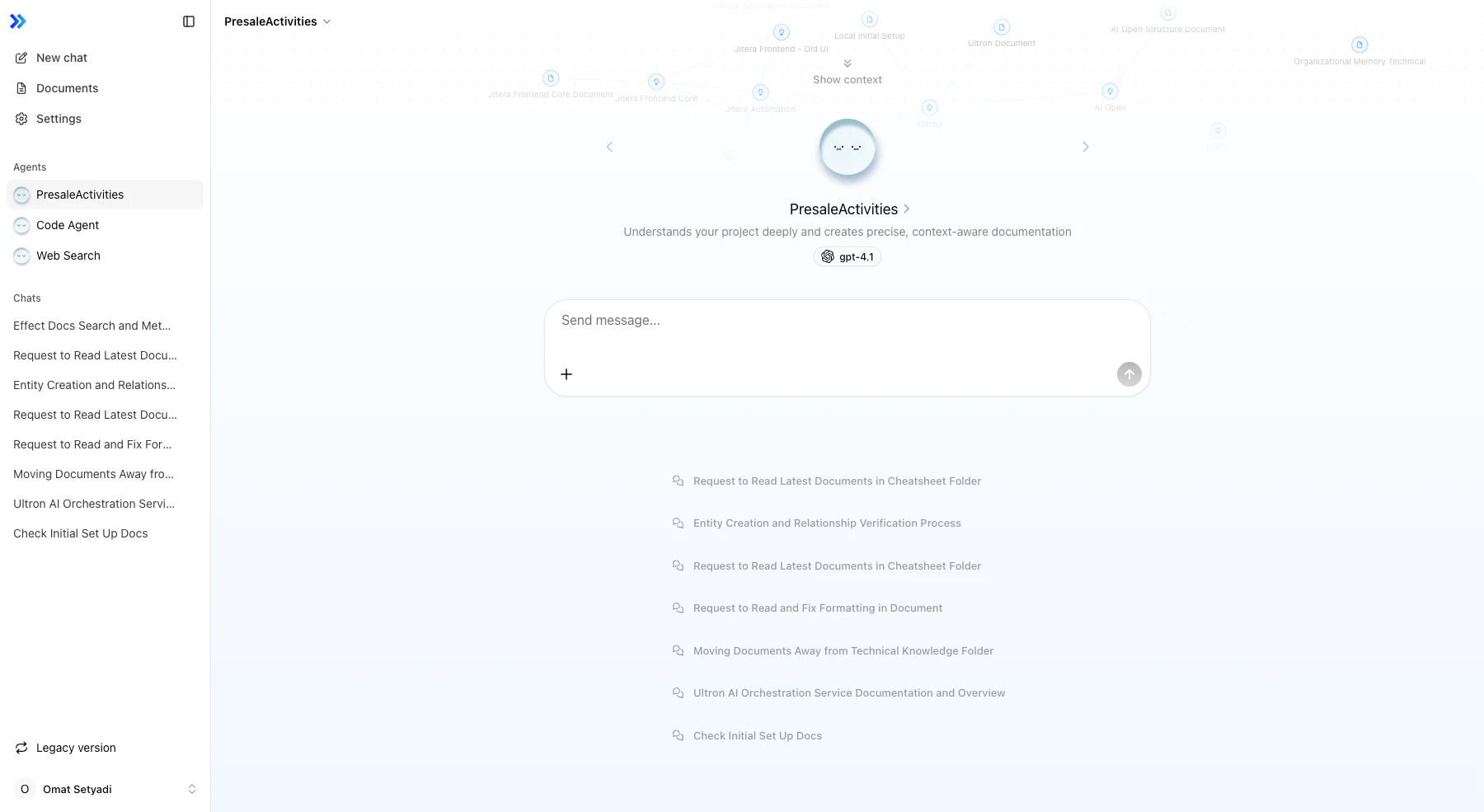
- Create a New Thread Click New Chat in the sidebar, or simply send a message. The thread is created automatically with your first message.
-
Open an Existing Thread
Click any thread title in the sidebar to resume the conversation.
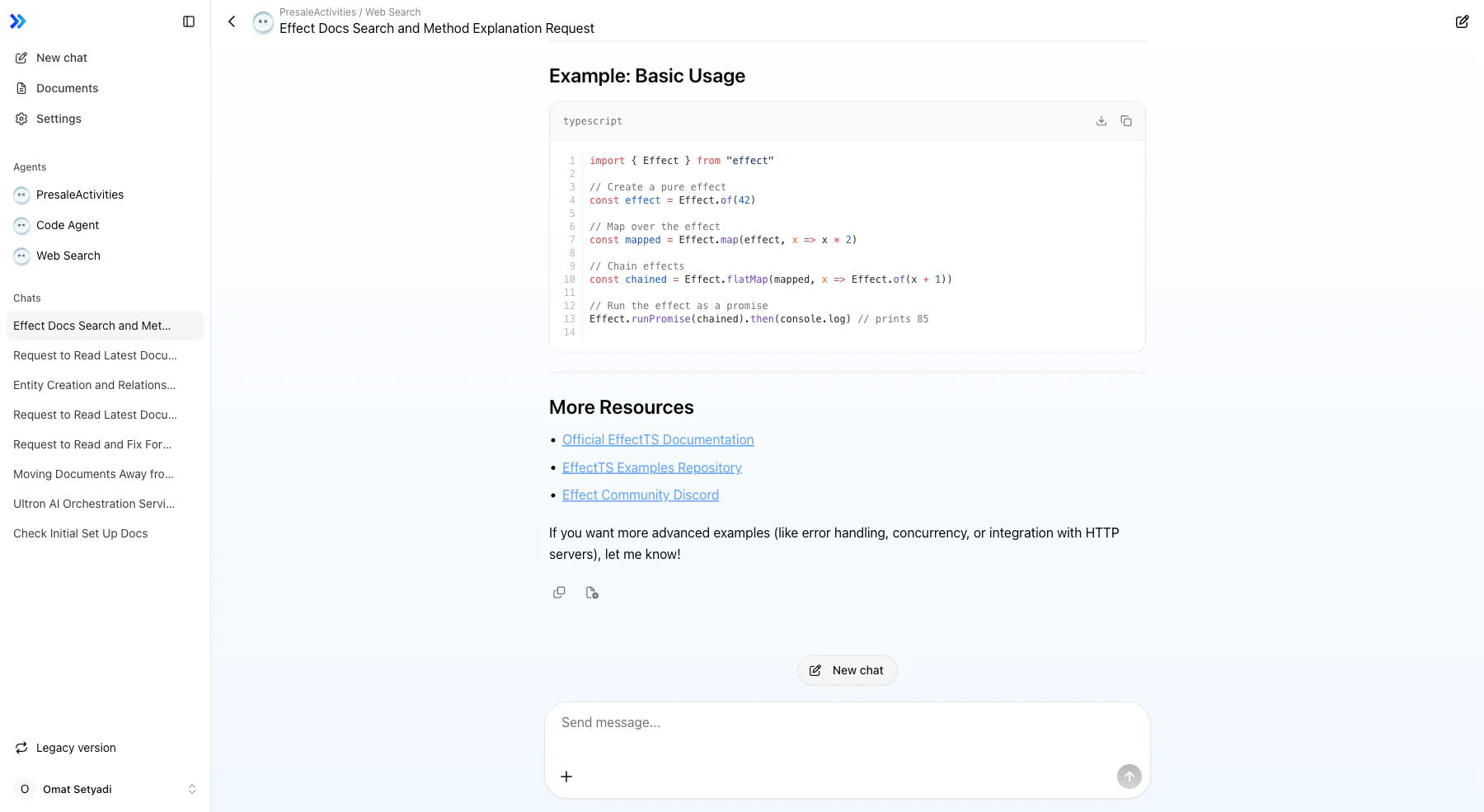
- Continue a Conversation Type your message in the input field and send. The agent responds with full context from previous messages.
-
Use Message Actions
Hover over any AI response to see action buttons:
- Clipboard icon to copy the response text
- Document icon to add the response to project documents
Automatic Compaction
When a thread grows long, older turns are automatically compacted so the agent can keep responding without hitting the model’s context window. The compaction happens in the background and preserves the conversation’s key facts and intent while reducing token usage. The full message history remains visible in the UI — only the context sent to the model is condensed. If you need the agent to reconsider earlier details that may have been compacted, re-state them in a new message or start a fresh thread.Thread Management
- Rename — Thread titles can be changed manually
- Delete — Remove threads you no longer need
- New chat — Start a fresh conversation while keeping existing threads
Related
- Agent Basics — Chat interface overview
- Choosing the Right Agent — Switching between agents
- Tool Calls / Actions — Tool execution in threads
- File Upload in Chat — Attaching files to messages