

A project is the unit that brings together documents, source code, and AI agent conversations. You can create multiple projects within a team and organize them by purpose.Documentation Index
Fetch the complete documentation index at: https://docs.jitera.ai/llms.txt
Use this file to discover all available pages before exploring further.
Creating a Project
- Navigate to your team page from the sidebar
-
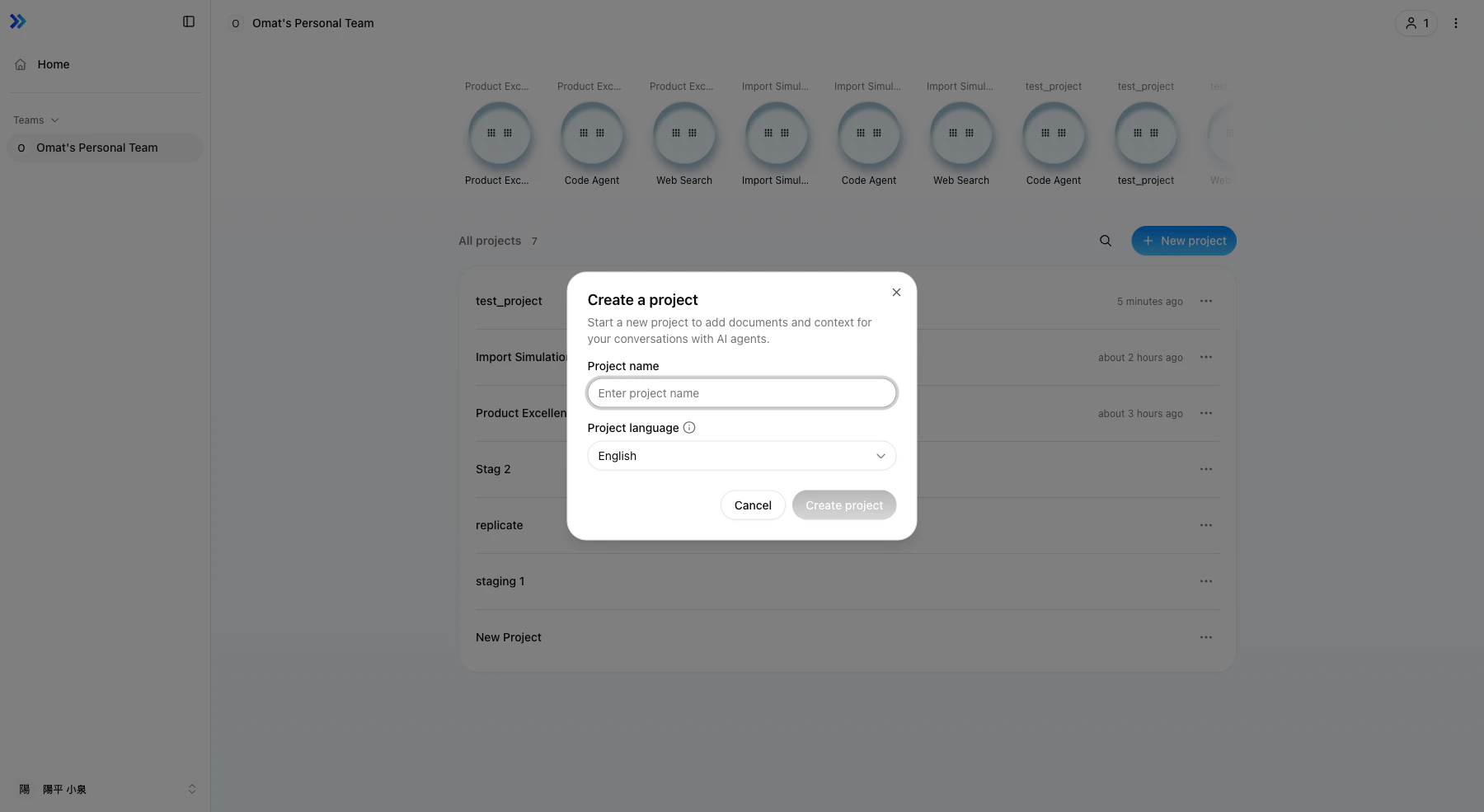
Click New project in the upper right corner
-
Enter a Project name and select a Project language (English / Japanese)
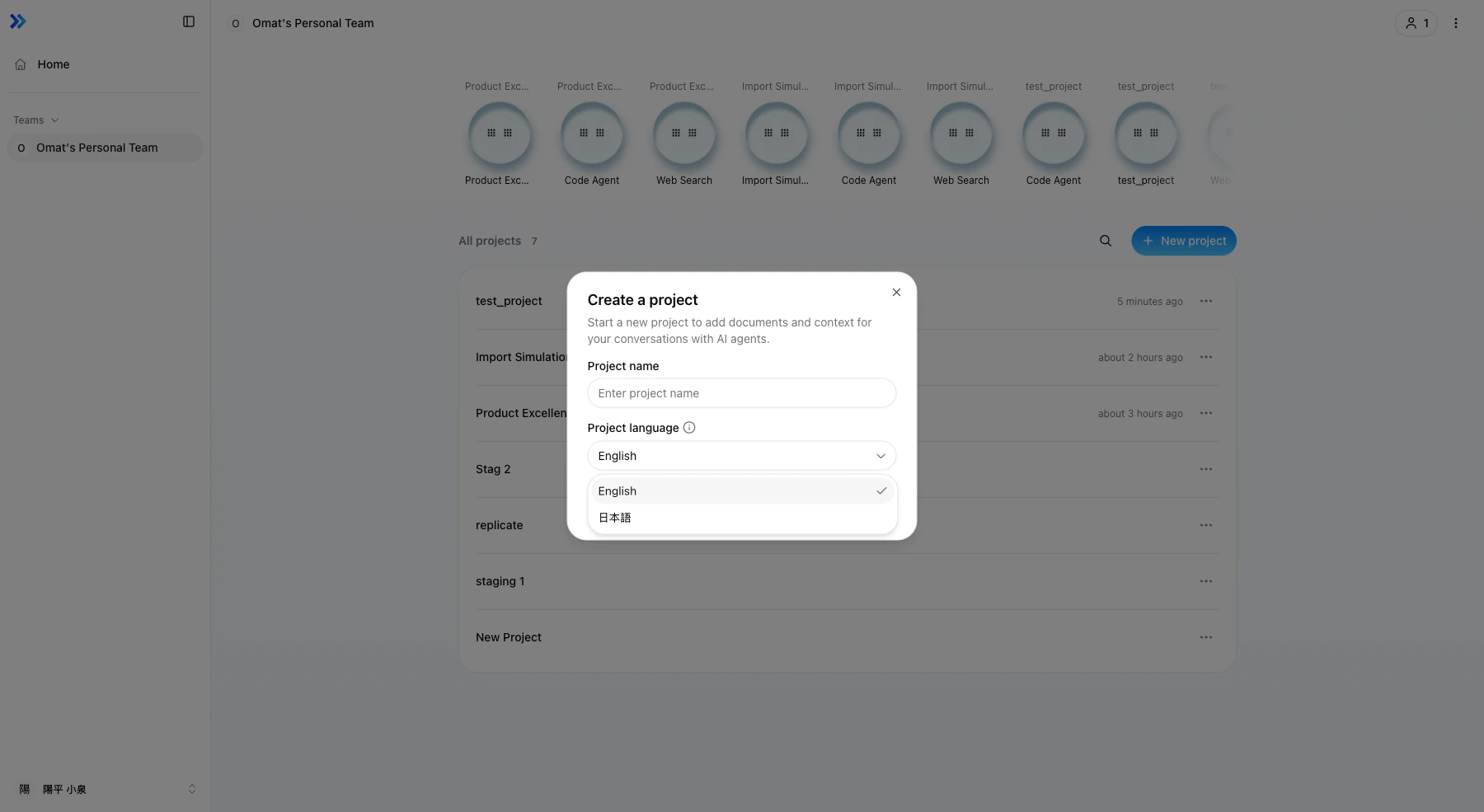
- Click Create project
Project List
All projects you belong to are listed on the team page. Click a project name to access it.Project Settings
The project settings page lets you change the following:- Rename project — Changing the name also updates the URL slug
- Code sources — Connect GitHub or GitLab repositories (see Code Sources)
- API keys — Manage keys for external access to agents (see API & MCP Access)
Related
- Code Sources — Connect Git repositories
- Members & Teams — Invite members and manage roles
- Managing Agents — Create and configure agents